May 15, 2026
Friday Fabric Facts #2: Fabric's New Mirroring Feature: Azure SQL → Lakehouse in 10 Minutes
For the last 15 years, if you wanted to report on data from your Azure SQL database, you had to build an ETL pipeline.
You paid for Azure Data Factory, you wrote code to handle incremental refreshes, and you woke up at 3 AM when the pipeline failed.
Microsoft just killed that requirement.
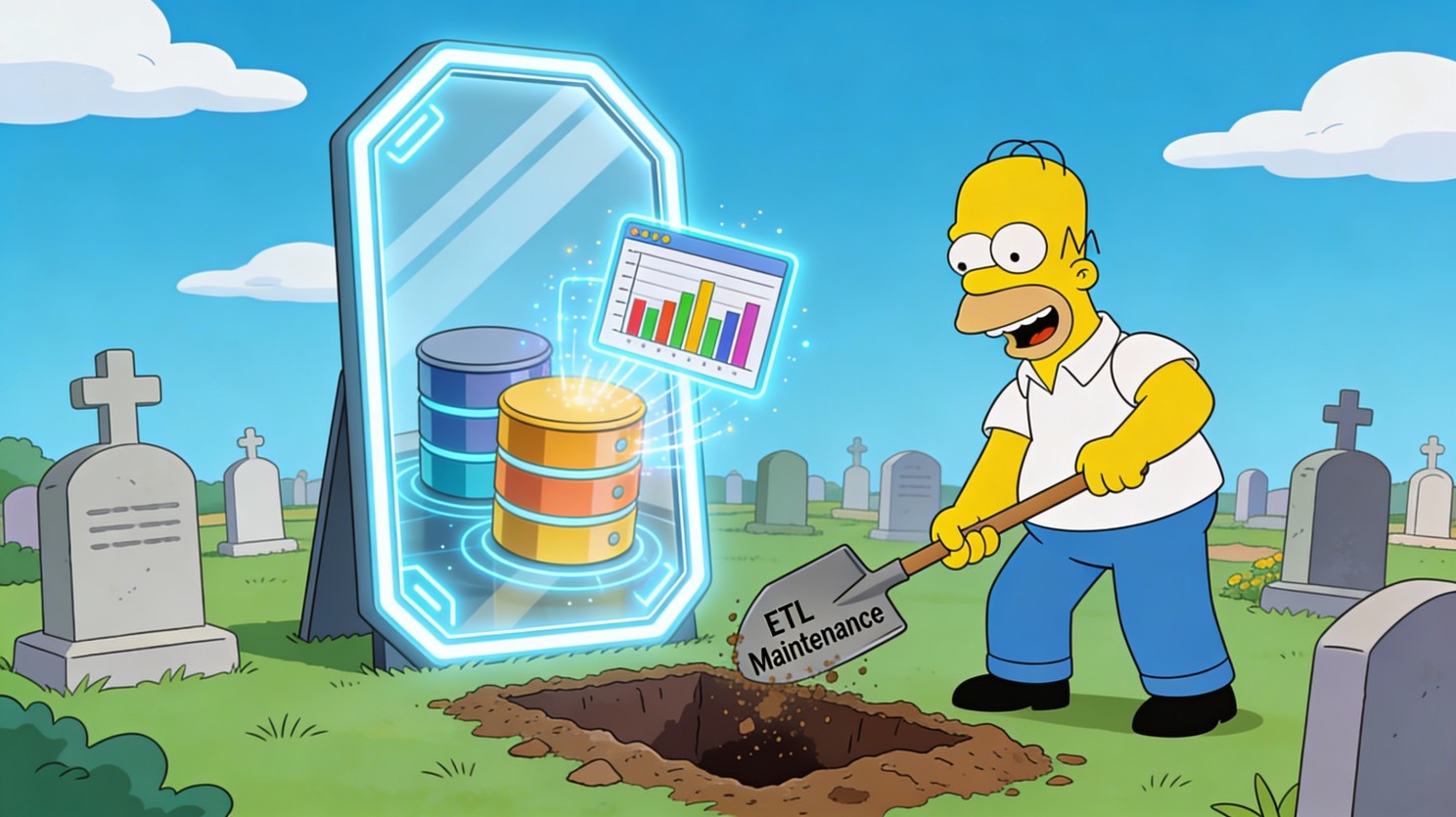
With Fabric Database Mirroring, you can replicate your Azure SQL data to OneLake in near-real-time, without writing a single line of ETL code.
If you're paying for Azure Data Factory or struggling with stale data in Power BI, this 4-minute read could save you $500/month and 10 hours of maintenance.
📦 The Update: Zero-ETL Mirroring is Here
Microsoft has rolled out Database Mirroring for Azure SQL Database, Snowflake, and Cosmos DB.
What it does: It continuously replicates data from your operational database (Azure SQL) to Fabric's OneLake in near-real-time.
- No ETL code: It's a "click-to-configure" experience.
- No performance hit: It uses Change Data Capture (CDC) technology to read transaction logs, so it doesn't slow down your source database.
- Analytics-ready: Data lands in OneLake as Delta Parquet files, ready for Power BI Direct Lake mode (blazing fast reporting).
The technical shift: You no longer need to "move" data to report on it. You just "mirror" it.
💡 Why This Matters (The Business Impact)
For a $50M–$100M SMB, the "ETL tax" is real.
- Cost tax: You pay for ADF pipelines or Fivetran credits ($500–$2,000/month).
- Time tax: Your BI developer spends 5 hours/week fixing broken pipelines instead of building dashboards.
- Latency tax: Reports are always "as of last night" because you only run ETL once a day.
Real-world scenario for Isaac's SMB audience: A mid-sized logistics company ($80M revenue) has an Order Management System in Azure SQL.
- Before Mirroring: Sales reps wait until 8 AM the next day to see yesterday's bookings.
- With Mirroring: Sales dashboards update 5–15 minutes after an order is booked.
- The Savings: They shut down 12 Azure Data Factory pipelines, saving $600/month and freeing up the Data Engineer to work on predictive analytics.
✅ The Move (What You Can Do Monday)
You can set this up in 10 minutes. Here's how to pilot it with one table to prove the value.
1. Enable System Assigned Managed Identity (SAMI) on your Azure SQL Server
- Go to Azure Portal → SQL Server → Identity
- Set "System assigned" to On.
- Why: Fabric uses this identity to securely read data without storing passwords.
2. Create a Mirrored Database in Fabric
- Open Fabric → "Data Warehouse" persona → "Mirrored Azure SQL Database"
- Click "New" → Select your Azure SQL subscription.
- Crucial Step: Select "Mirror all data" by default, OR uncheck it to select specific tables (recommended for the pilot).
3. Watch the Magic (Test It)
- Insert a dummy row into your Azure SQL table

- Wait 2–5 minutes.
- Query the mirrored table in Fabric (SQL Analytics Endpoint)

- If the row appears, you just built a real-time pipeline with zero code

⚠️ The Gotcha (Common Limitations to Watch For)
Mirroring is magic, but it has rules. If you ignore these, your mirror will 🪞
1. Unsupported Features (The "Blockers") Your table cannot be mirrored if it uses:
- Temporal Tables (system-versioned history)
- Always Encrypted columns
- In-Memory OLTP tables
- JSON or XML data types (older specialized types)
2. The Primary Key Rule Every table you want to mirror must have a Primary Key. No PK = No Mirror.
3. Network Security If your Azure SQL Server has a firewall rule blocking "Azure Services," Fabric can't connect. You must "Allow Azure services and resources to access this server" or configure a private endpoint (more complex).
Real mistake I've seen: A CFO wanted real-time financial reporting. We set up mirroring, but the GeneralLedger table used Temporal Tables for audit trails. The mirror failed silently for that table.
The Fix: We created a standard view that selected from the current temporal table and mirrored the view? No, you can't mirror views directly. We had to create a secondary standard table populated by a trigger (messy) or stick to standard ETL for that specific table. Know your source schema before you promise real-time data.
💬 One Question for You
How much do you spend monthly on Azure Data Factory (or Fivetran) just to move data from Point A to Point B?
Drop a number in the comments (e.g., "$500", "$2k"). I'm betting Mirroring can cut that by 50%Stop paying to move data.
🛑 Stop paying to move data.
🟢 Start paying to use it.

Isaac Truong | Founder, Allston Yale
Enterprise-grade analytics for $50M–$100M SMBs
Power BI | Fabric | Azure | Data Strategy
📅 Book a 20-min Fabric diagnostic →
📧 Subscribe to get Friday Fabric Facts in your inbox (plus early access to templates) 💼
LinkedIn: Connect with me for daily Fabric tips
Friday Fabric Facts #2: Originally Posted on LinkedIn, February 6, 2026